Accessible content should be easy to read, easy to scan, and easy to understand - for everyone.
Readability refers to how easily a person can process written text. It depends on sentence length, word choice, structure, and formatting.
It's especially important for people with cognitive disabilities, neurodivergence, low literacy, or those reading on small screens or in a second language.
- General good practices
-
Use short sentences (ideally under 20 words).
-
Keep paragraphs to a single idea (3-4 lines max).
-
Break up long texts with headings, subheadings and bullet points.
-
Use common, everyday words.
-
Avoid double negatives or overly complex grammar.
- Use readability tools
We recommend using the Hemingway Editor to check clarity.
Aim for a readability level between Grade 5 and 8, and avoid 'very hard to read' sentences.
Hemingway also highlights
-
Passive voice.
-
Long, complex sentences.
-
Adverbs or vague phrasing.
These are useful flags to review, even if you don't apply every suggestion.
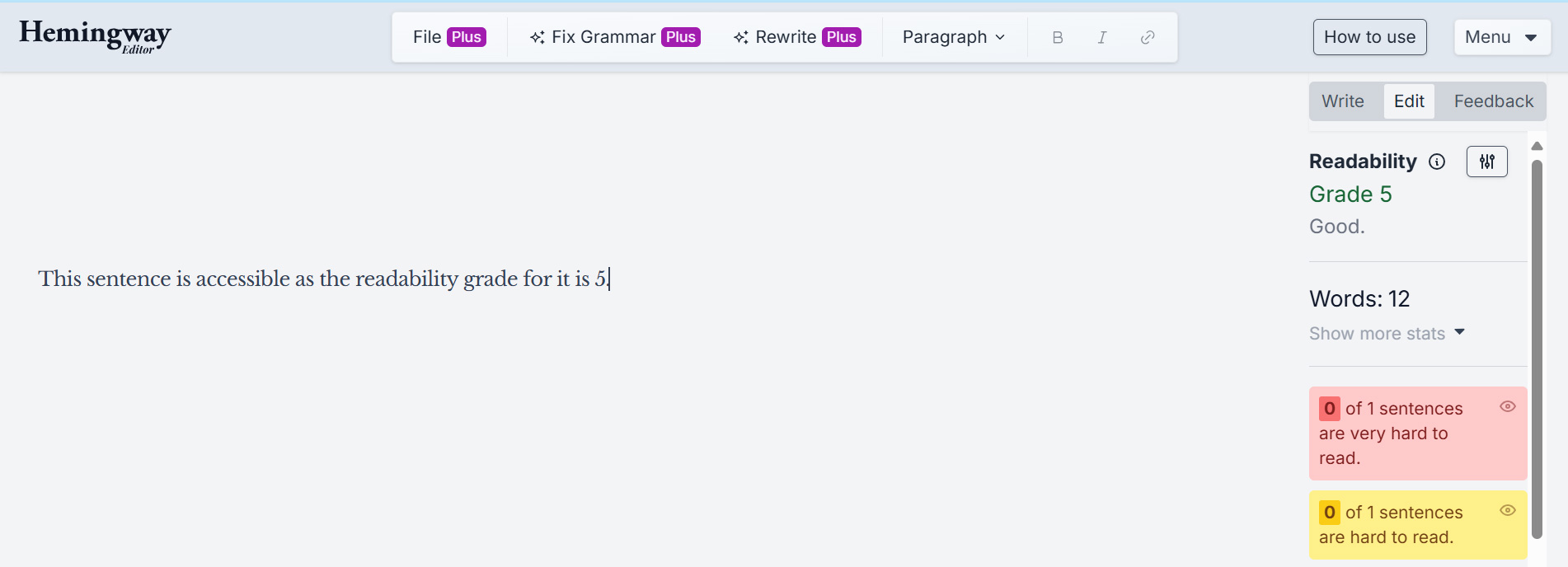
For example, the below image showcases a sentence with readability grade 5. The sentence also has zero 'very hard to read' sentences.
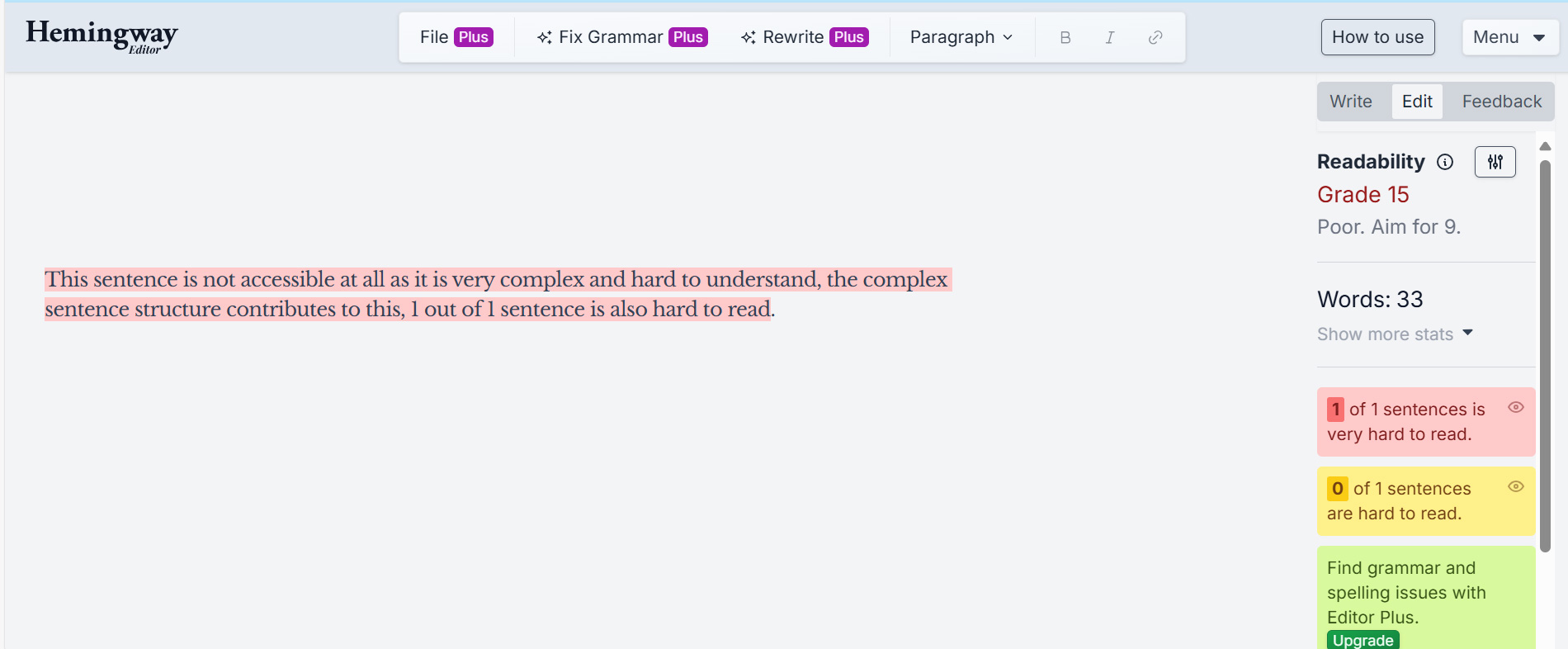
In contrast, the below image showcases a sentence with readability grade 15. The sentence has a 'very hard to read' sentence.
- Write with care, not oversimplification
Writing clearly doesn't mean dumbing down.
It means being intentional with your words so that your message is accessible to everyone, regardless of their context or background.


 Use these tools to check your combinations: